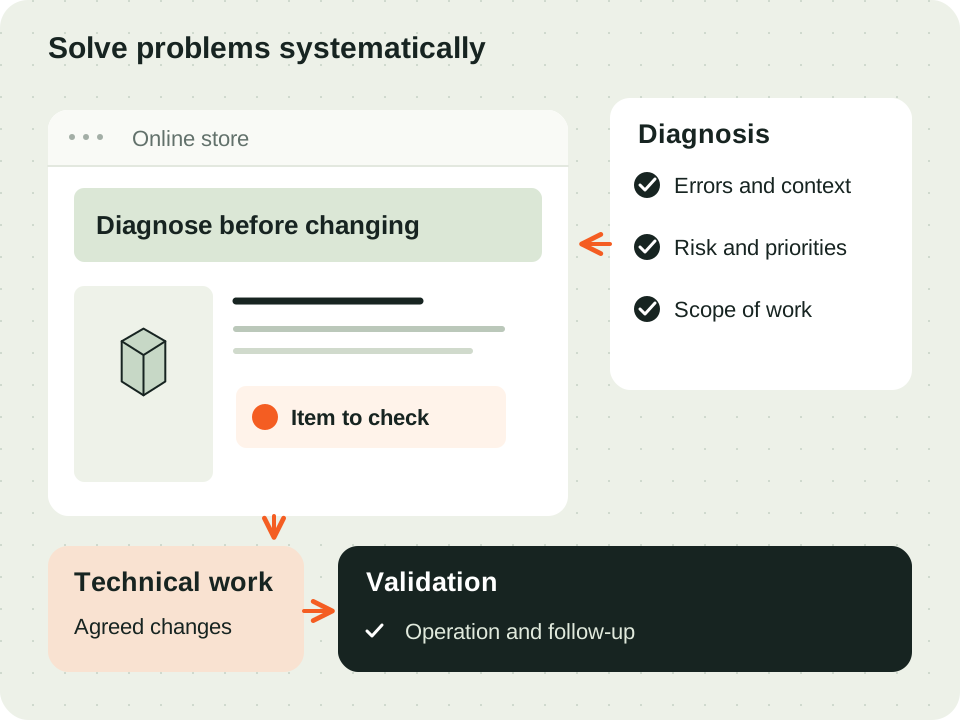




When a fault affects operations
A cart error, failed payment or integration that stops updating may need several checks. We collect the observed behaviour, store version and recent changes to define the problem. This helps choose the assessment sequence and intervention priority.
Investigate before making changes
We confirm backups and access conditions, and seek to reproduce the issue in a test version where possible. Themes, modules and external services are assessed together. Diagnosis explains the identified cause and tasks needed to fix and validate behaviour.
Choose the intervention you need
For a specific fault, describe the behaviour and when it started: it may justify a one-off intervention. If several problems make the decision unclear, technical diagnosis organises observed causes and priorities. For recurring maintenance and improvements, ongoing support defines tasks, availability and agreed response conditions.
If the intervention involves a version or hosting change, use our PrestaShop migration checklist to protect SEO and orders. It helps you prepare URLs, purchase tests and checks after the move.
Prepare an enquiry that helps investigate the issue
Send the store address, known version, affected area and steps to observe the error. Identify recent module, theme or integration changes, and whether the failure affects all orders or particular scenarios. A screenshot without personal data may help; access is arranged through an appropriate channel after initial assessment.